
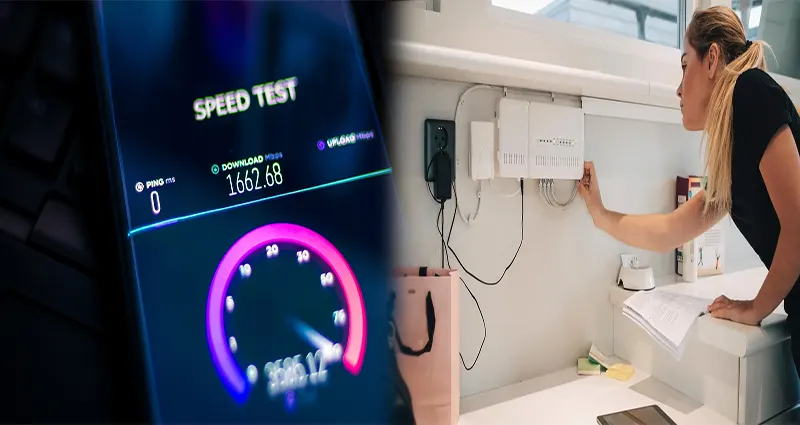
Are you tired of dealing with slow internet speed at home? Don’t worry, you’re not alone. Many factors can contribute to sluggish internet connections, but there are steps you can take to help improve your browsing experience. In this article, we will delve into some effective ways to boost your internet speed and enhance your online activities.
1. Check Your Internet Speed
Before making any changes, it’s essential to know how fast your internet speed is currently. You can use online tools like Speedtest.net to measure your current download and upload speeds. This will give you a baseline to compare against once you implement any improvements.
2. Position Your Router Correctly
The placement of your Wi-Fi router can significantly impact your internet speed. Make sure it is positioned in a central location within your home, away from obstructions and electronic devices that might cause interference. Elevating the router and keeping it at a higher level can also help improve coverage and signal strength.
3. Update Your Router Firmware
Outdated router firmware can be a common reason for slow internet speeds. Check if there are any available updates for your router model and install them to ensure optimal performance.
4. Secure Your Wi-Fi Network
If your Wi-Fi network is not password-protected, unauthorized users could be leeching off your bandwidth, leading to slower speeds for your devices. Set up a strong and secure password to prevent unauthorized access.
5. Limit the Number of Connected Devices
Having too many devices connected to the same network can strain bandwidth and slow down your internet speed. Consider disconnecting devices that are not in use or investing in a dual-band router to separate traffic between devices.
6. Use an Ethernet Cable
For tasks that require a stable and fast internet connection, such as online gaming or streaming, consider using an Ethernet cable to connect your device directly to the router. Wired connections are generally faster and more reliable than wireless ones.
7. Remove Network Interference
Other electronic devices or appliances in your home, such as microwaves, cordless phones, or Bluetooth devices, can interfere with your Wi-Fi signal and slow down your internet speed. Try moving these devices away from your router or switching to a different wireless channel.
By implementing these tips, you can effectively improve the slow internet speed at home and enjoy a smoother online experience. Remember that a combination of these solutions might be needed to address your specific connectivity issues. With a bit of troubleshooting and optimization, you can boost your internet speed and make the most out of your home network.

